Custom Command & Conquer
Yuri's Revenge
maps

On this page you can download custom maps that I created. The official Yuri/RA2 map editor and get access to a great online server that allows you to have higher in game resolution.
I have been playing Command & Conquer Red Alert 2 and mainly Yuri's Revenge since it was launched in respectively 2000 and 2001. And I quickly started editing and creating maps too. I lot many of them due to re-installations and computer change, but I did create some new ones in the past years.
|
Download some of my maps:
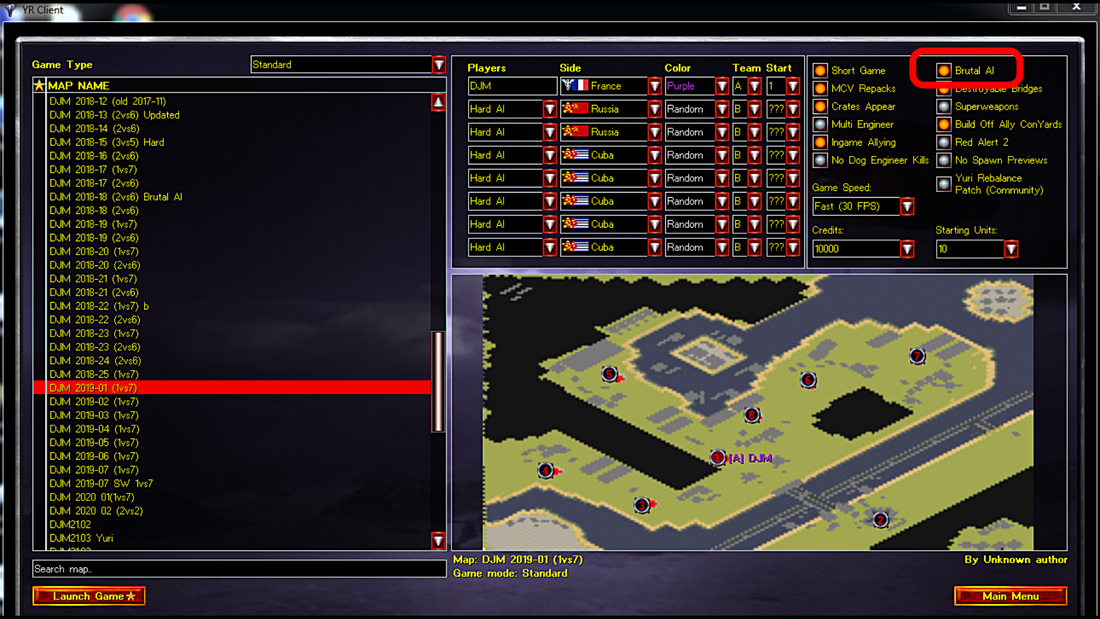
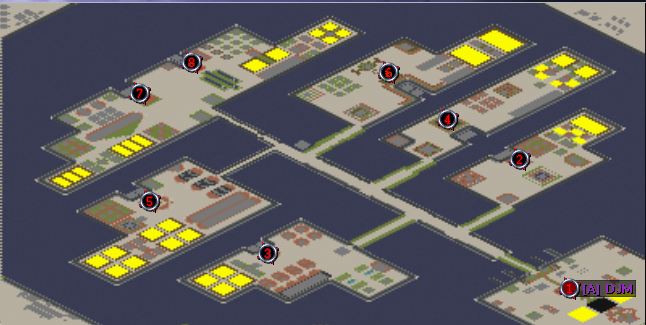
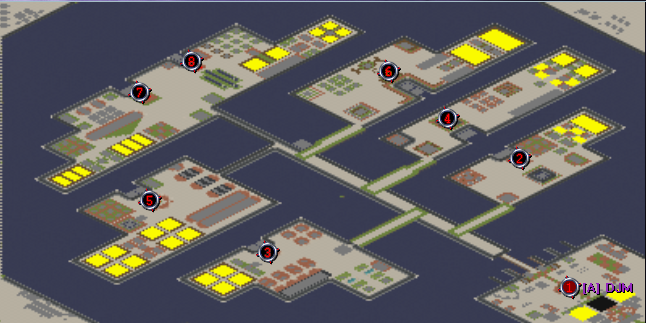
The maps are for 1 vs 7 Hard, with the additional CnCNet Brutal AI option switched on.
Be ware, these maps can be challenging. Sometimes the AI can get really nasty and inflict huge damages early into the game. I believe this is a CnCnet thing. Enjoy the game!!! |
|
|
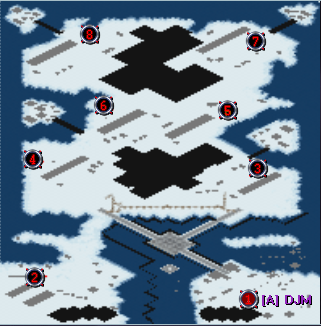
DJM 2018-22 (1vs7)

| |||
|
DJM 2019-01 (1vs7)
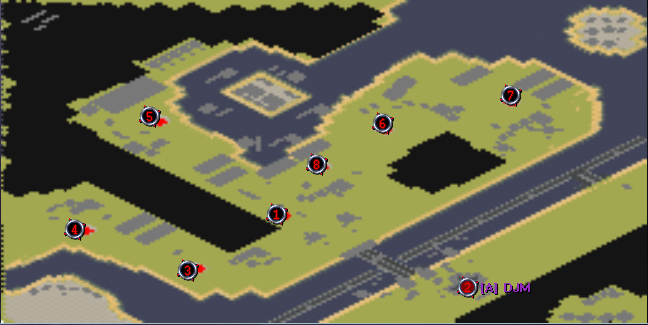
|
DJM 2019-03 (1vs7)
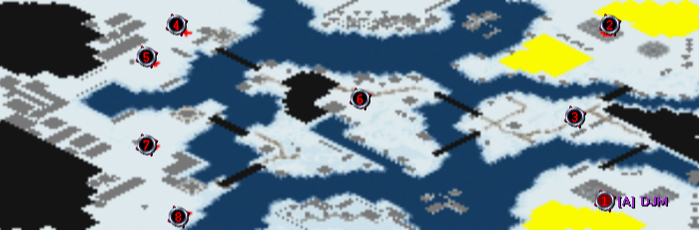
| ||||
|
DJM 2019-05 (1vs7)
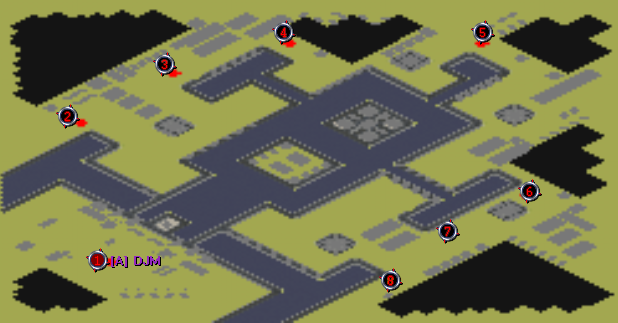
|
DJM 2019-06 (1vs7)
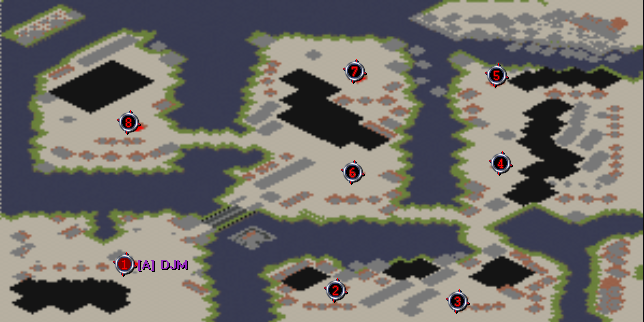
| ||||
|
DJM 2019-07 (1vs7)
|
DJM 2019-07 (1vs7)SW (With Super Weapons)
| ||||
Final Alert 2yr, the original Command & Conquer Yuri's revenge Map Editor:
|
Wanna have more fun with old maps? Do you want to create your own maps from scratch?
Download the Map Editor here! 
|
| ||

CnCNet, a great online game server:
In case you didn't know, CnCNet is one of the largest Command & Conquer multiplayer platforms. It allows you to play older games in modern day resolution.
It's free to download, you can contribute a donation to support those who not only built it but also do regular maintenance and provide updates.
Click the logo to go to the website and download the package you need for the game you'd like to play, both by yourself of with others.
See below hot it looks and how you can Turn Hard AI into Brutal AI (setting in top right).
In case you didn't know, CnCNet is one of the largest Command & Conquer multiplayer platforms. It allows you to play older games in modern day resolution.
It's free to download, you can contribute a donation to support those who not only built it but also do regular maintenance and provide updates.
Click the logo to go to the website and download the package you need for the game you'd like to play, both by yourself of with others.
See below hot it looks and how you can Turn Hard AI into Brutal AI (setting in top right).
Important notice:
|
For maps to be available in CnCNet, they need to be placed in a different folder and their extension needs to be changed.
The extension needs to be changed from .yrm to .map The folder is called custom and will be located in: Command & Conquer Red Alert(tm) II\RA2\Maps\Custom |

|